

May 18
admin
Join the thrilling adventure of Dome Keeper, an innovative roguelike mining action game. This game allows you to mine for resources while fending off alien attackers. If you’re looking for an offline installer or a standalone setup for Windows 7, Windows 8, Windows 10, and Windows 11, you’re in luck! With an official free trial access, this guide helps you navigate through your install process effortlessly. Explore the depths of your gameplay with this Dome Keeper guide designed for a smooth start.
The game’s mechanics are designed for both casual gamers and hardcore players, offering an engaging combat system alongside extensive character customization options. Choose your playstyle wisely; whether you prefer to be a skilled warrior defending your dome or a cunning mage utilizing powers to fend off attackers, Dome Keeper ensures every player’s satisfaction. Upgrade paths allow you to personalize your character to adapt to unique challenges.
With a blend of single-player and multiplayer features, you can either go it alone or collaborate with friends in asynchronous gameplay. The thrill of exploration, combat, and strategic resource management makes Dome Keeper not only a game but an unforgettable adventure.
System Requirements
- OS: Windows 7 or higher
- Processor: Intel Core i5
- Memory: 4 GB RAM
- Graphics: NVIDIA GeForce GTX 960 or equivalent
- DirectX: Version 11
- Storage: 2 GB available space
How To Install Dome Keeper?
Extract
Once your download is complete, locate the downloaded zip file and extract it using your preferred extraction tool.
Open Setup
Inside the extracted folder, find the setup file and double-click to launch it.
Install
Follow the on-screen instructions to complete the installation process, ensuring that you select the preferred directory for your game files.
Launch
After the installation is finished, navigate to the directory where you installed the game and locate “domekeeper.exe”. Double-click to launch the game.
Basic Setup
For the initial setup, configure the game settings as per your preference to enhance your gameplay experience.
How To Download Dome Keeper?
Download Dome Keeper from the link given below. If you don’t know how to download the game, just click here!
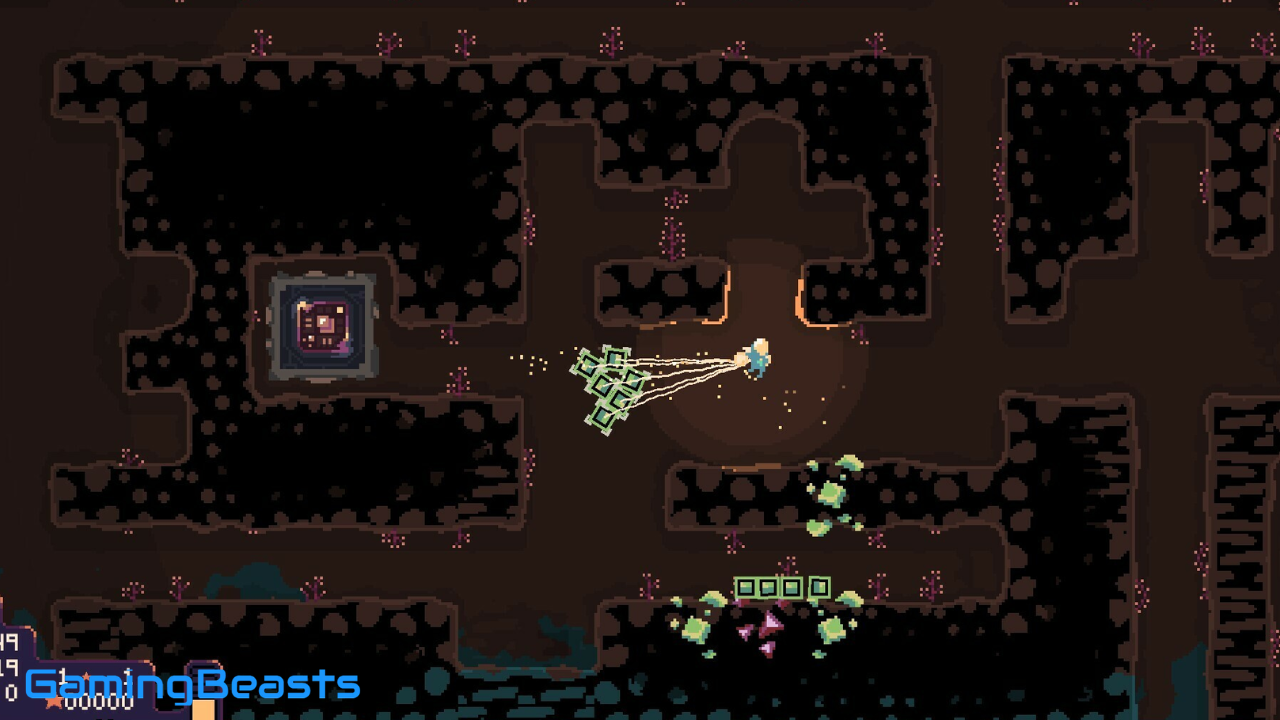

Dome Keeper Free Download
Download Now
Mirror Download
Backup Link
Fast Download