Aug 04
admin
Fish to Dish Idle Sushi Build 23943468
Welcome to the charming world of Fish to Dish: Idle Sushi, an engaging idle fishing game designed to fit effortlessly into your busy lifestyle. This is an offline installer offering a standalone setup compatible with Windows 7, Windows 8, Windows 10, and Windows 11 systems. You can also access an official free trial version, making it a perfect choice for casual gamers. In this guide, we will explore every facet of this delightful game, ensuring that by the end, you’ll know exactly why it’s becoming a favorite among players in 2026. For more similar games, you can check out Hexilibrium Build 23883593.
Overview of Fish to Dish Idle Sushi
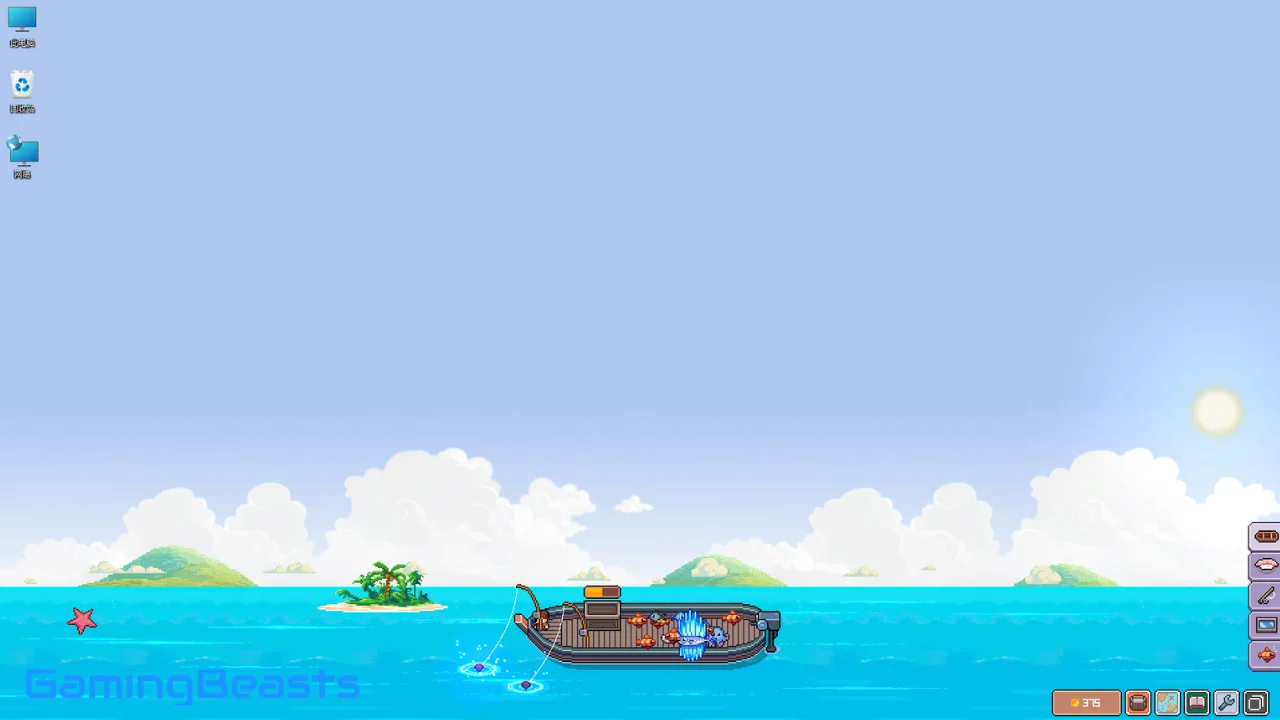
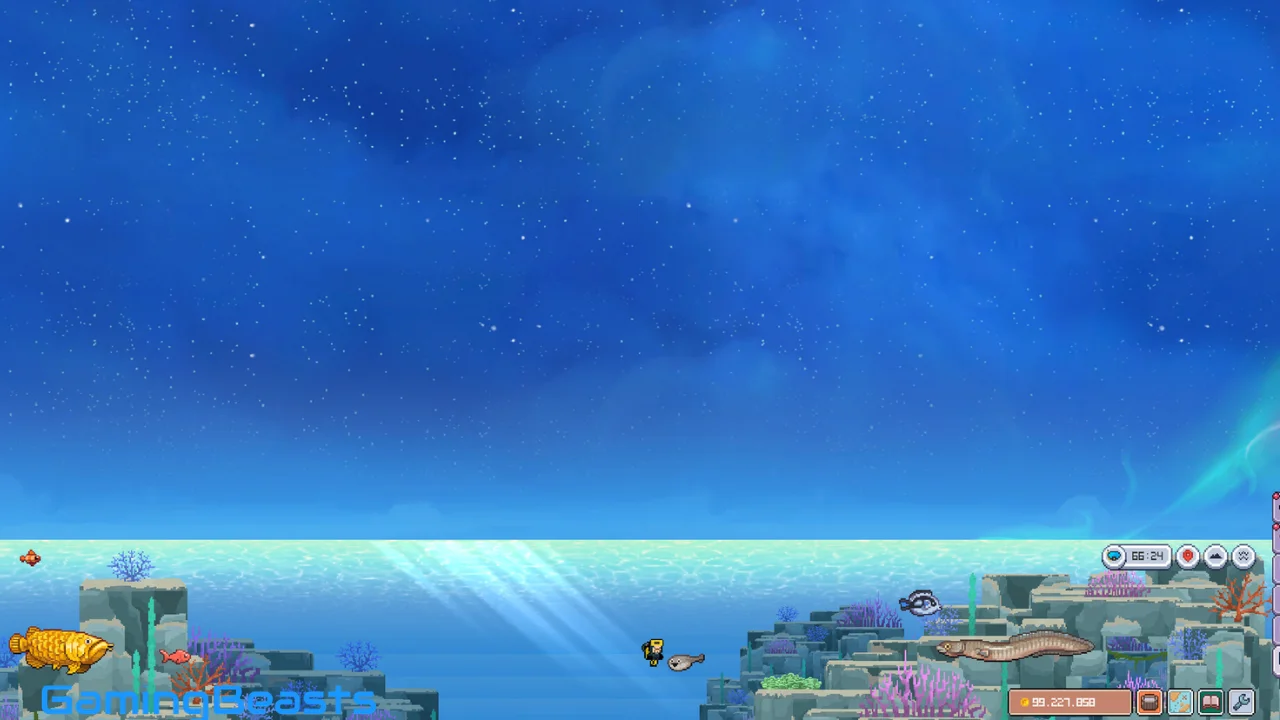
Fish to Dish: Idle Sushi is your gateway to a serene underwater adventure. Imagine a world where peaceful waters brim with life, and you, the charming sushi chef, are responsible for reeling in the finest fish. As you engage in leisurely fishing, the tranquil backdrop immerses you into a unique environment that fosters relaxation and enjoyment. Each moment becomes a delightful escape from daily stressors.
Your journey through this idle fishing world is punctuated by engaging challenges and the evolution of your sushi restaurant. The simple gameplay mechanics paired with a delightful art style captivate players of all ages. As you collect various fish species, the game allows for a touch of creativity, letting you experiment with different sushi recipes as you progress.
Customization plays a vital role in your adventure. As you develop your sushi business, you can enhance your skills, unlock new fishing spots, and gather resources to create your culinary masterpieces. Flexibility in playstyle means you can choose to focus on fishing, crafting, or even exploring the ocean depths in search of rare ingredients. With both single-player and multiplayer options available, the game becomes a rich tapestry of shared joy and culinary discovery.
System Requirements
- OS: Windows 7, 8, 10, 11
- Processor: Intel Core i3 or equivalent
- RAM: 4 GB
- Graphics: DirectX 11 compatible card
- DirectX: Version 11
- Storage: 70 MB available space
How To Install Fish to Dish Idle Sushi?
Extract: Begin by downloading the game. Once the download completes, use any standard extraction software to unzip the files.
Open setup: Locate the extracted folder. Open the setup file to initiate the installation process.
Install: Follow the on-screen prompts, selecting your preferred installation directory and confirming your choices.
Launch: After installation, find the game icon on your desktop or in the installation directory and double-click it to launch.
Basic setup: Adjust the settings to your liking, including graphics and controls, to optimize your gaming experience.
How To Download Fish to Dish Idle Sushi?
Download Fish to Dish from the link given below. If you don’t know how to download the game, just click here!